
Training sheet: identity, banner, and key information
The three "Essential" tabs of the training editor, field by field: title, level, domain, status, images, duration, fees, income, pace, format, languages, and mode.
Updated on 23 September 20262 min read
The tabs in the Essential block contain the information that the student sees first, in the header and the top cards of the public page.
Identity
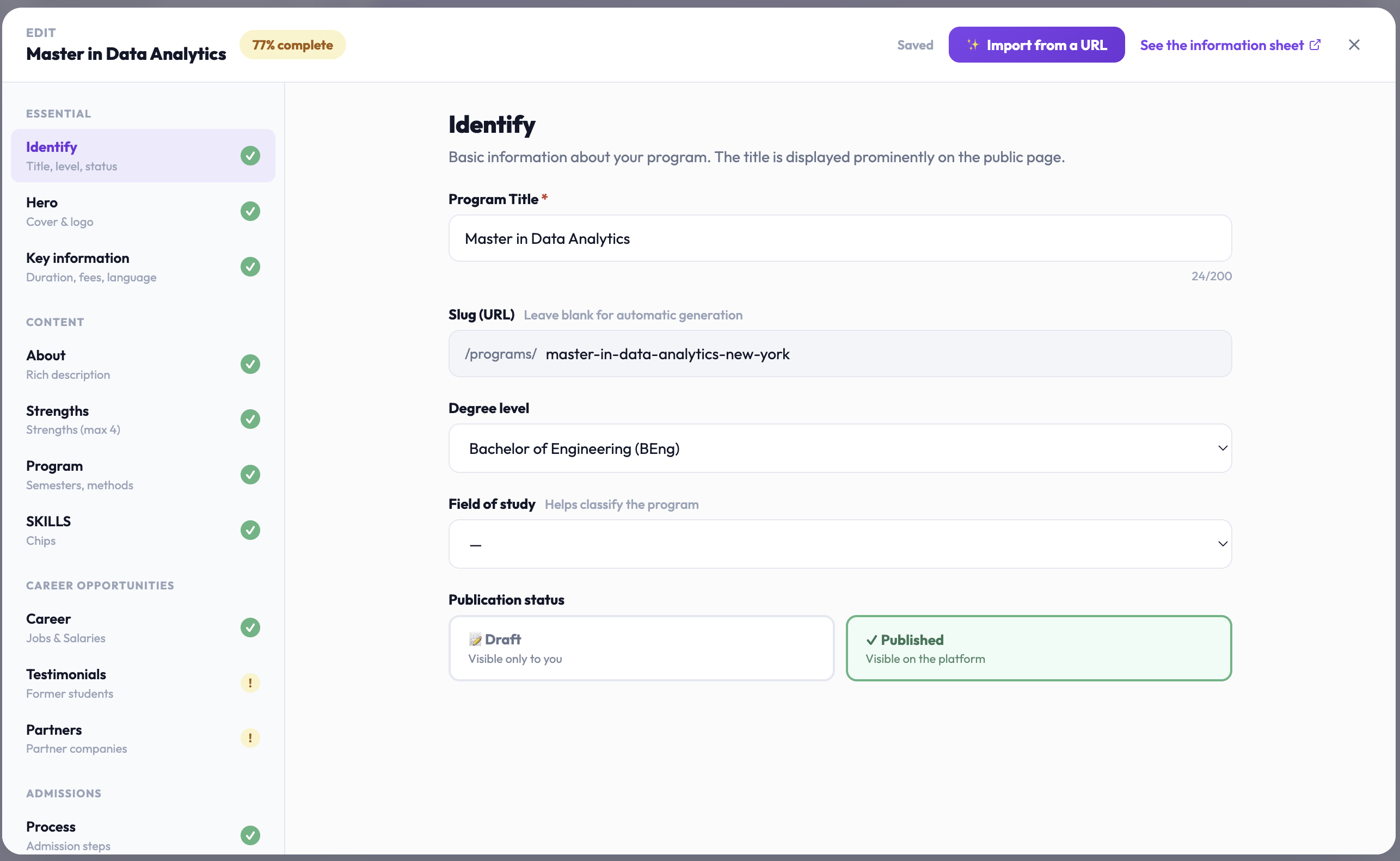
The basic information of your program.
Program title: required. It is displayed prominently on the page. Example: “Bachelor in Digital Marketing”.
Slug (URL): the end of the page address. Leave empty: it is generated automatically from the title.
Degree level: required to publish. The list depends on your institution's country. For a non-degree program, choose “No specific level (professional training, certificate…)”. The level is used for catalog filters: an accurate level makes your program findable.
Field of study: helps classify the program: Marketing & Communication, Business & Management, Tech & Digital, Engineering, Design & Creation, Health, Law, Social Sciences, Arts & Letters, Sciences, Education, or Other.
Publication status: “Draft” (visible only to you) or “Published” (visible on the platform). See the article “Create and publish a program” for the conditions.
Hero: banner and logo
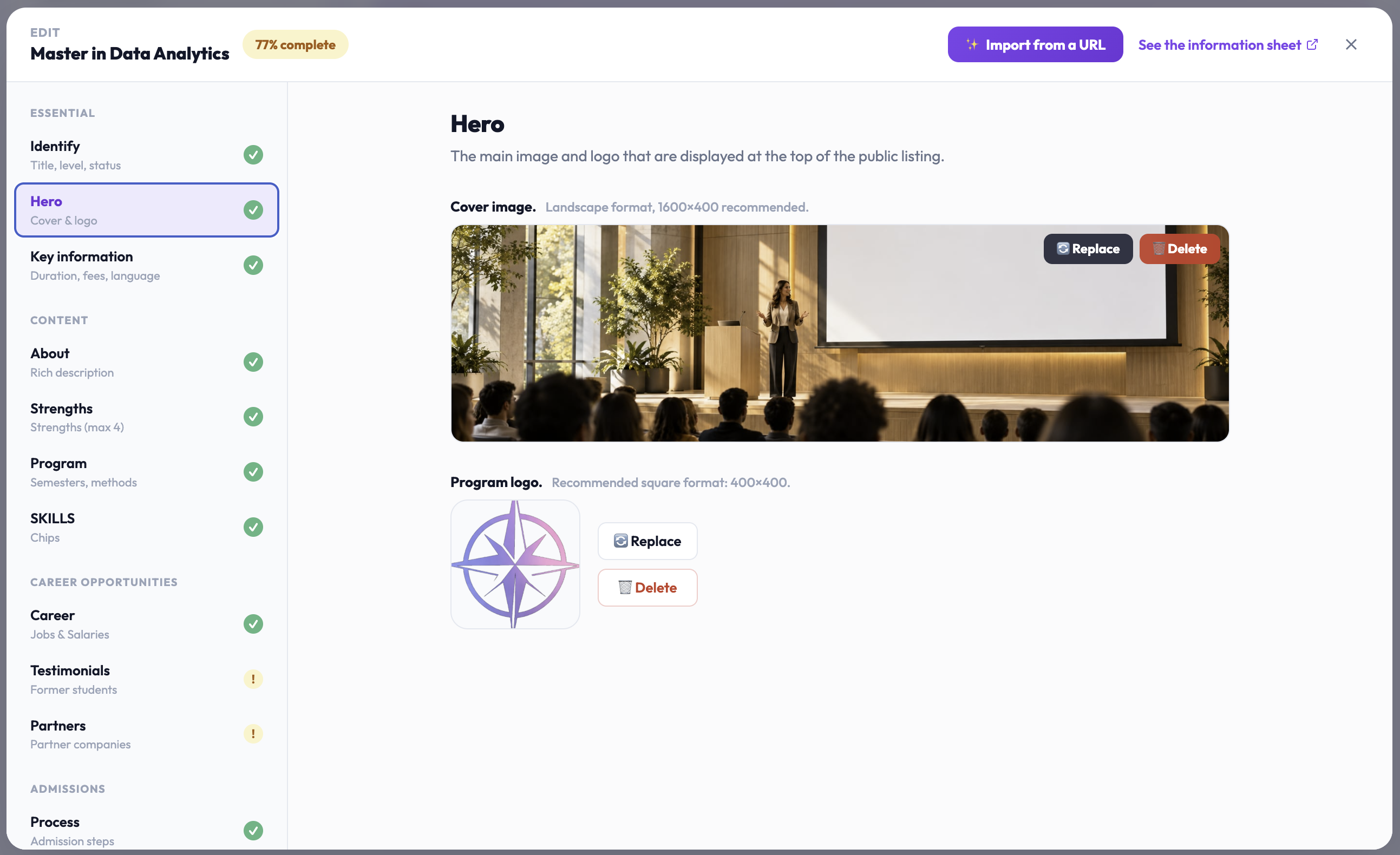
The main image and the logo at the top of the public page.
Cover image: landscape format, 1600 × 400 px ideal. Accepted formats: JPG, PNG, and WEBP. Prefer a photo without embedded text.
Program logo: square format, 400 × 400 px recommended.
The Replace and Delete buttons appear under each image once uploaded.
Common issue
“Upload unavailable”: the program is not yet properly linked. Close the editor, reopen the program from Activity → Programs, then try again.
Key information
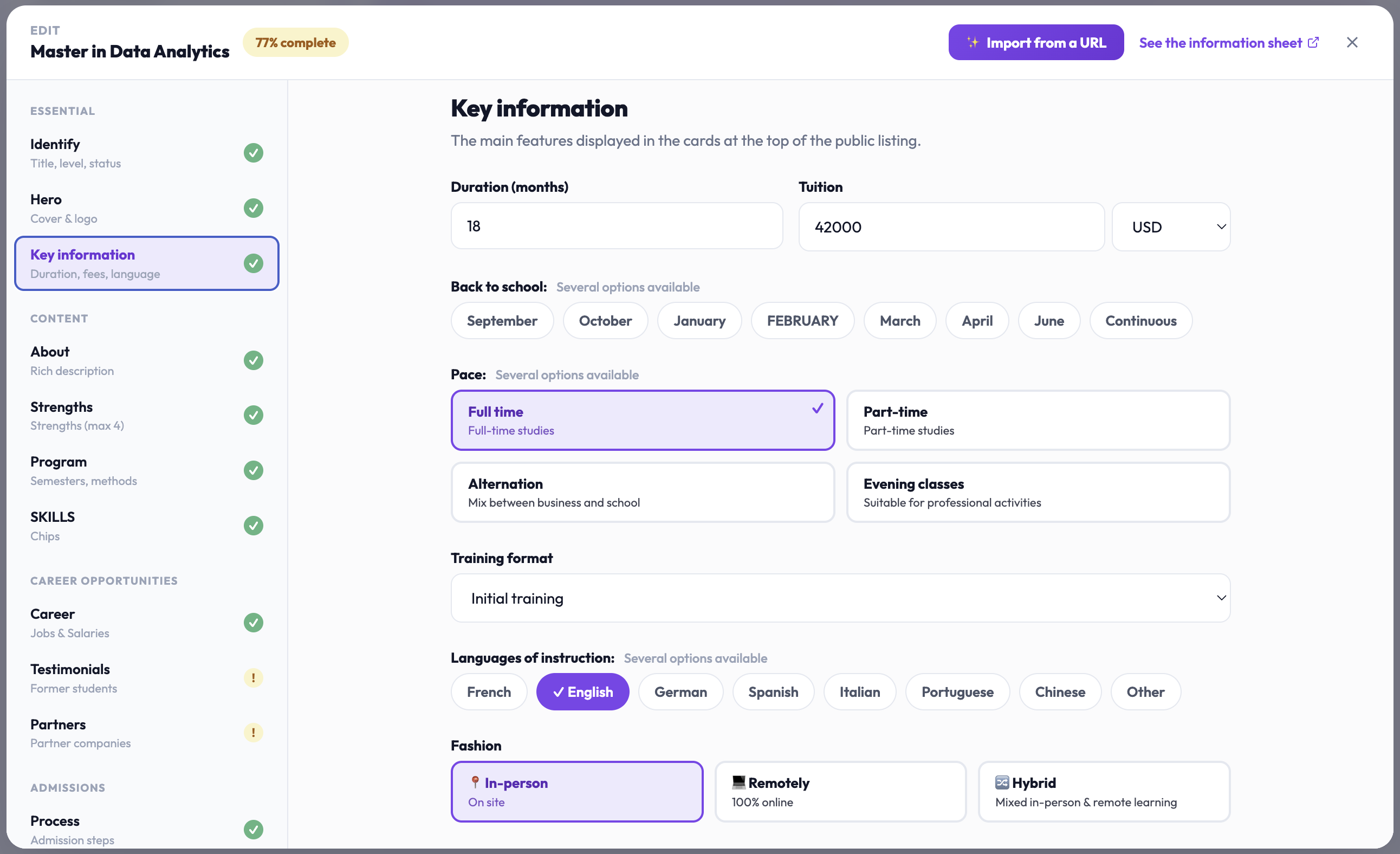
The main characteristics, displayed in the cards at the top of the public page.
Duration (months): total duration in months: 36 for a three-year bachelor, 24 for a master. Required to publish.
Tuition fees: total or annual amount, with its currency: EUR, USD, GBP, CHF, or CAD. Required to publish: enter 0 for a free program. Specify in the description if the amount is annual or total.
Start dates: multiple choices possible: September, October, January, February, March, April, June, or “Continuous” for entries throughout the year.
Schedule: full-time, part-time, apprenticeship (mix of company and school), or evening classes (compatible with professional activity).
Program format: initial training, continuing education, or apprenticeship.
Languages of instruction: multiple choices: French, English, German, Spanish, Italian, Portuguese, Chinese, or other.
Mode: on-site (in person), remote (100% online), or hybrid (mix of both).
Didn't find the answer?
The team replies within 24 hours on business days.