CV & cover letter
Your CV and cover letter, written by you
Fill in your CV screen by screen, or start from your Ulydia profile. For your cover letter, a coach asks you questions and reviews your paragraphs: you do the writing. Then download everything as a PDF.
Free for students, with a monthly limit on coach help.
How it works
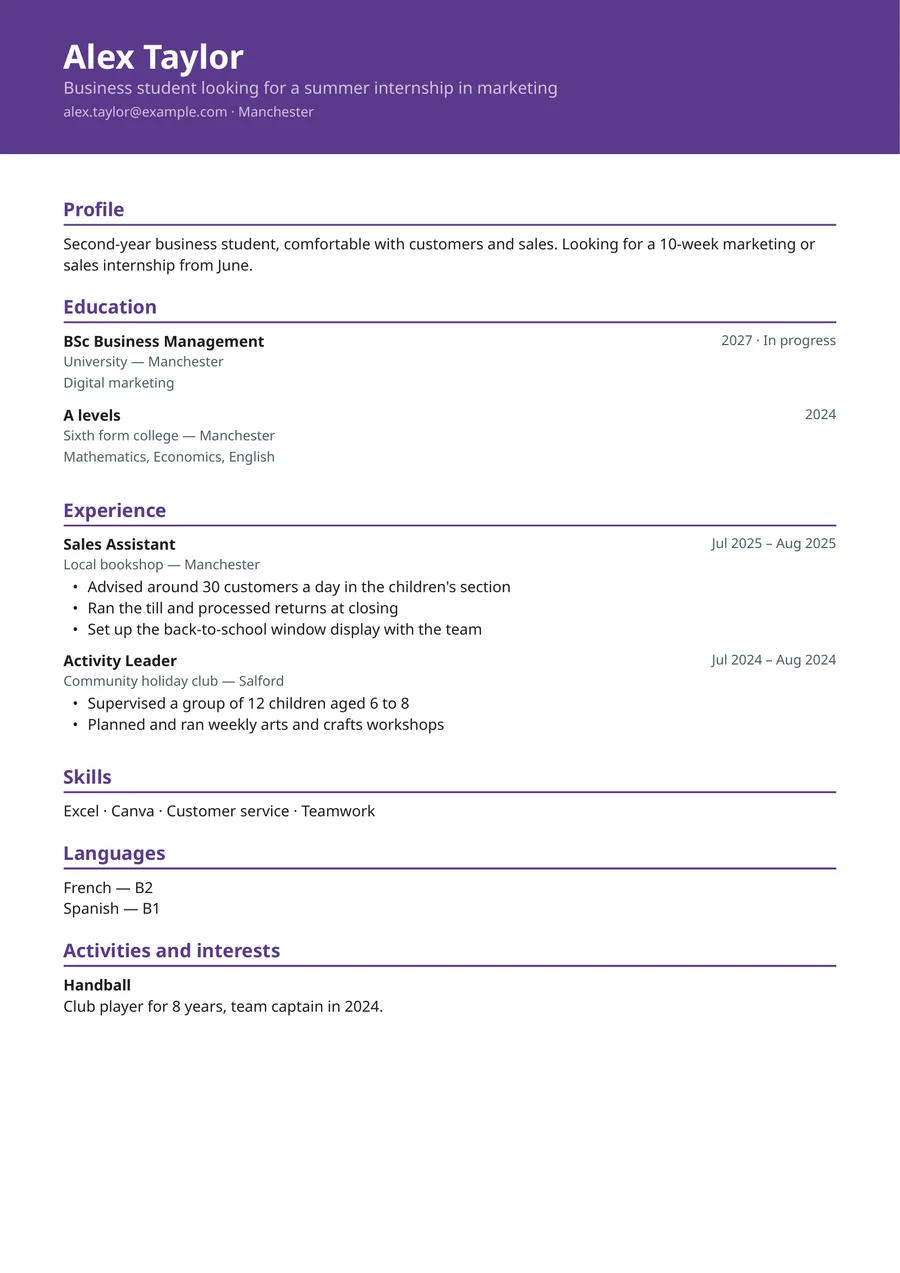
Fill in your CV
A guided path asks what you are looking for, what you have already done, your details and your studies. You can also bring in what is already in your profile, then reread each imported line.
Choose the style and template
5 CV styles, and a template that follows the country's usual practice: photo, date of birth, length, paper size.
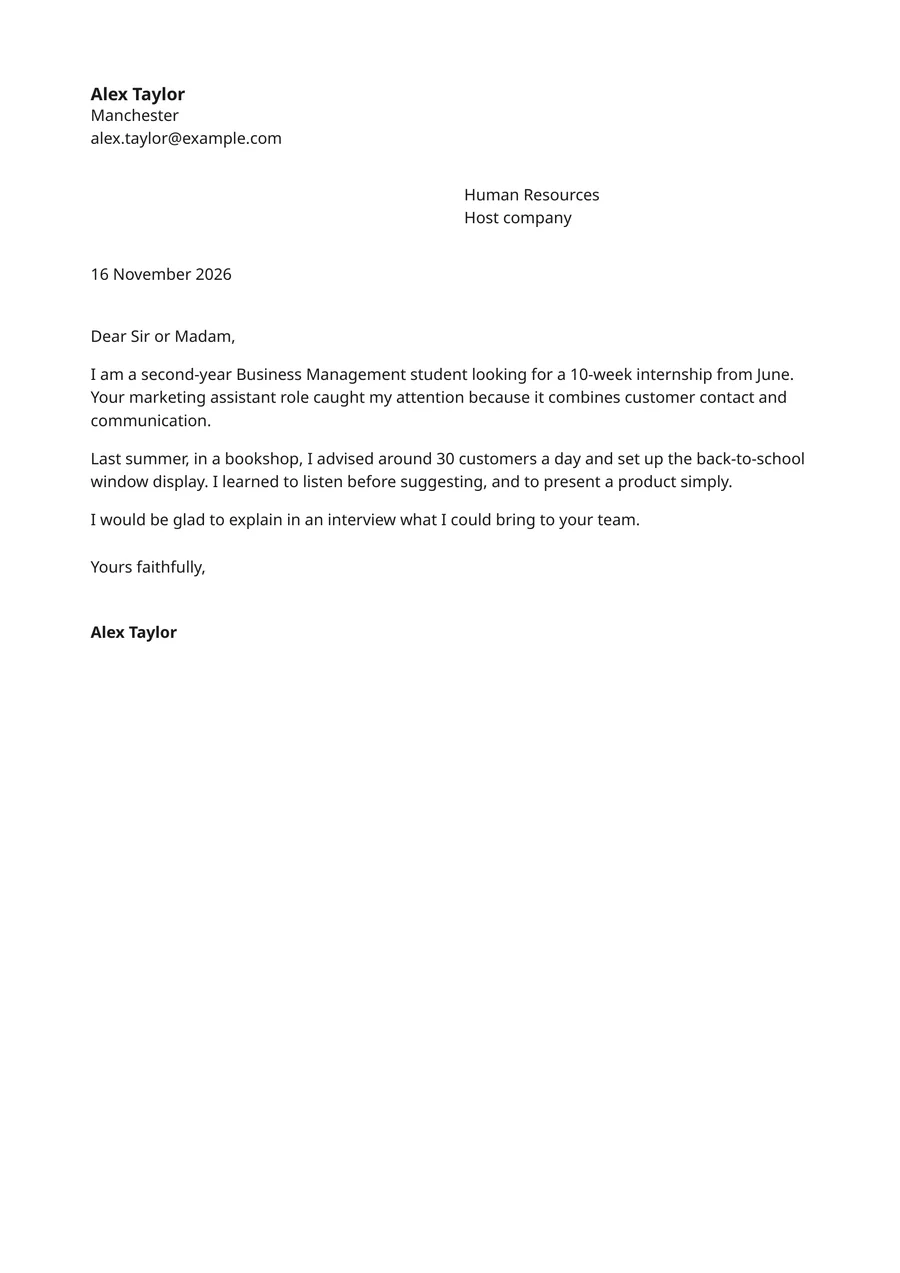
Write your letter, question by question
Pick your application: a programme you are interested in, a job you are applying for, or an ad you paste in. The coach asks you questions about it, suggests an outline, then reviews your paragraphs.
Download as a PDF
Your CV and cover letter download as PDFs. You can edit them and download them again as often as you like; you can also save versions (the last 30 are kept) and go back to any of them at any time.
What the coach does, and what it doesn't
It helps you
- It asks you precise questions so you find your own examples and figures.
- It suggests a letter outline suited to your application.
- It reviews your paragraphs: what is strong, what is still vague, and what the application expects that you have not said yet.
- It reviews your whole CV and asks you one question for each point to improve.
- It rephrases a line of your CV when you ask: two suggestions, you choose and approve.
It doesn't
- It never writes your letter or your CV for you.
- It never makes up experience, figures or qualities. If a figure is missing, it leaves a placeholder for you to fill in.
- It doesn't receive the header of your CV or your letter (name, contact details). If your name, email or phone number, as you entered them in your profile, CV or letter, appear in your text, they are replaced before sending.
5 CV styles
Same content, five layouts. Switch style at any time without retyping anything.
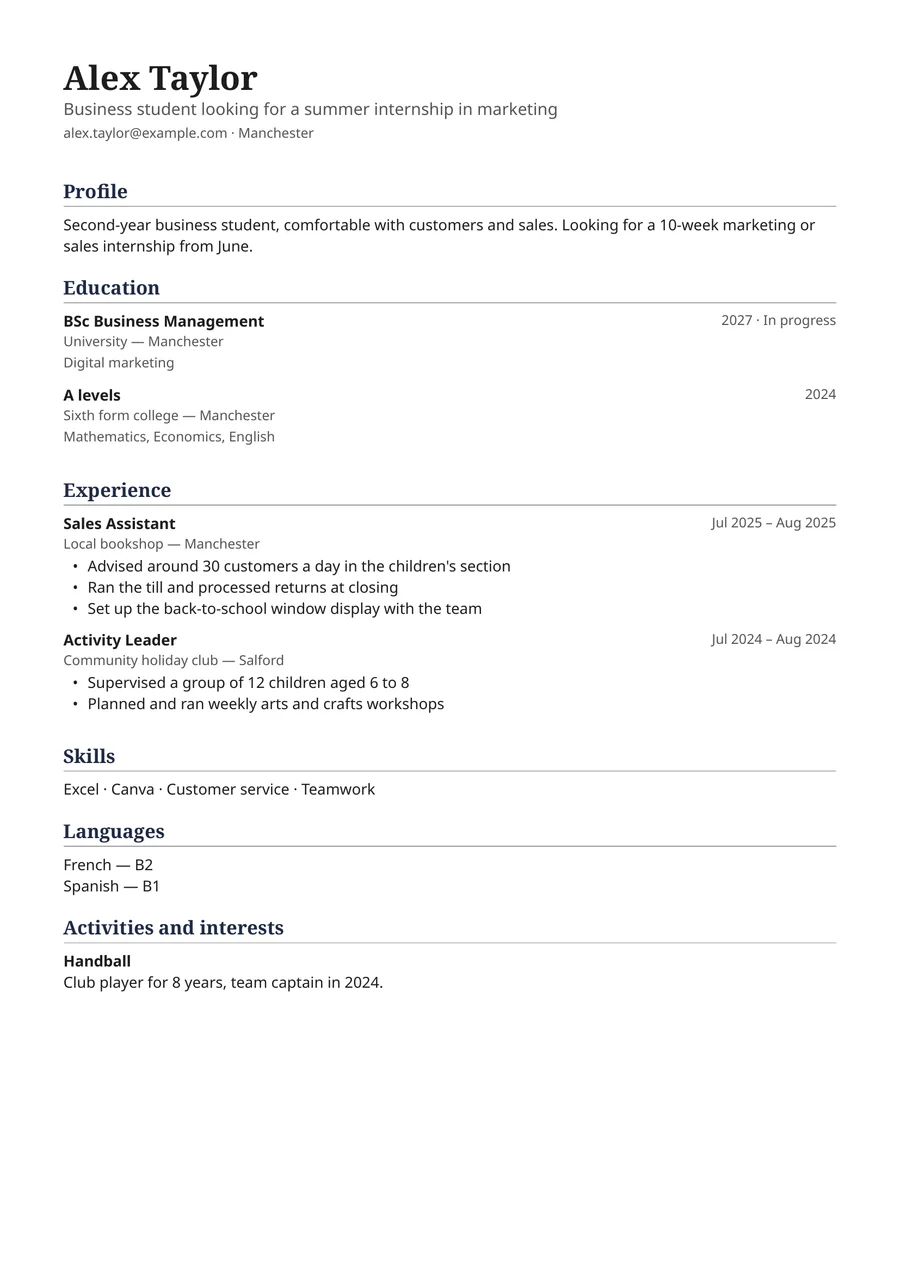
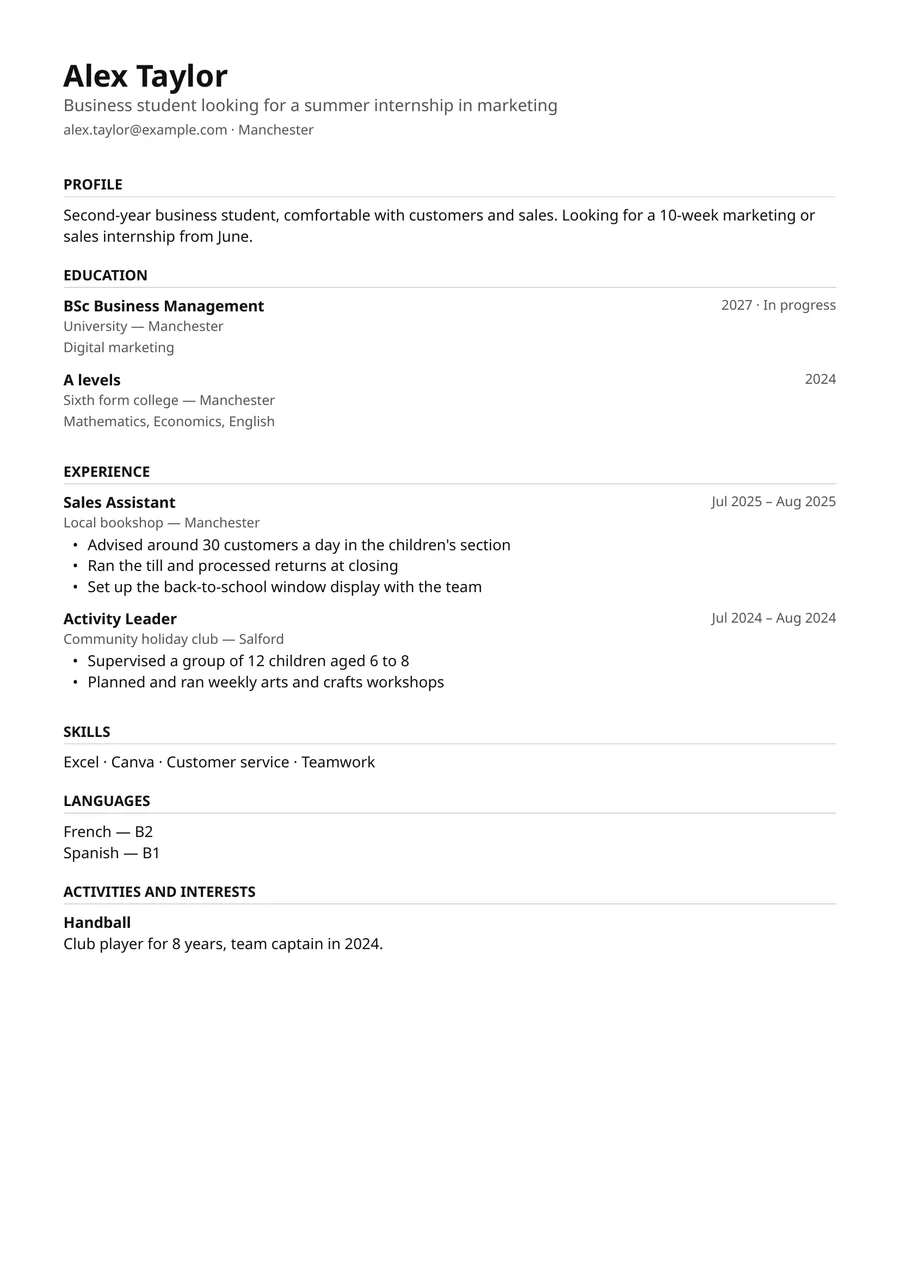
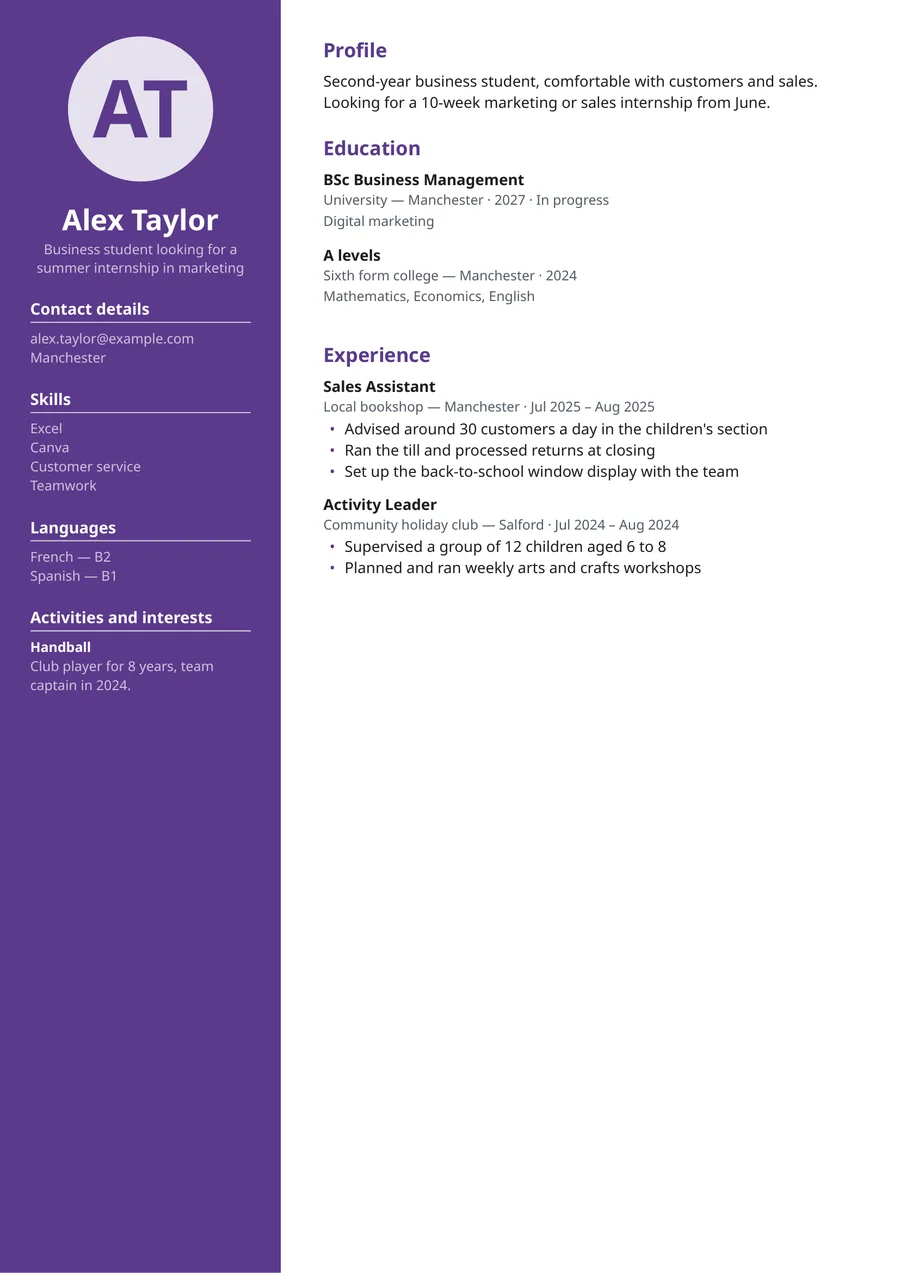
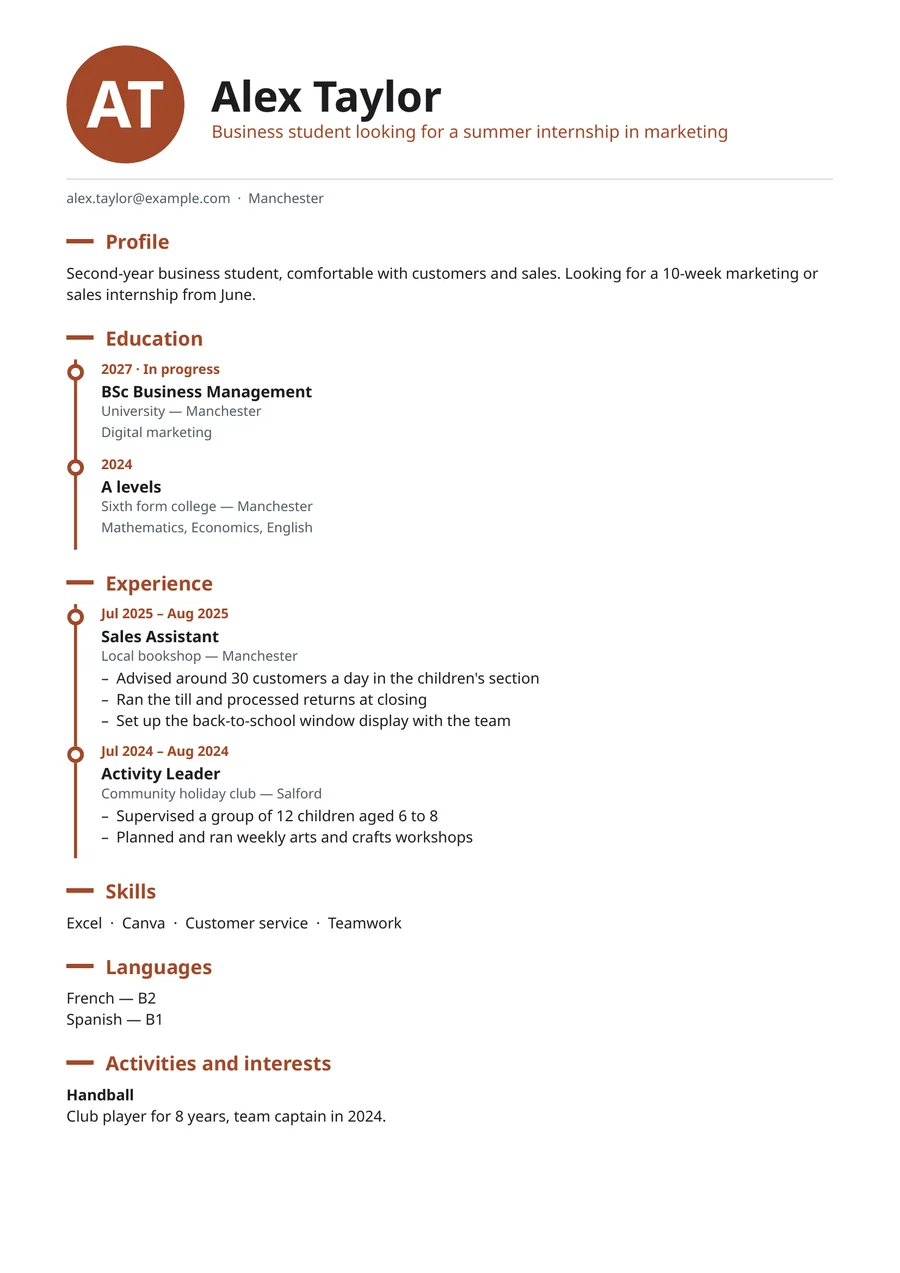
6 colours to choose from for Modern, Column and Creative. Two-column layout: some applicant tracking systems read it poorly.
Examples produced by the tool itself, with a fictional profile.
Your letter, laid out for you
Your details, the recipient, place and date, your paragraphs and your closing: the letter comes out as a PDF, ready to send.
7 templates by country
The template is suggested from your country, and you can change it. It follows common practice:
| Template | Photo | Date of birth | Length | Paper |
|---|---|---|---|---|
| France | optional | no | 1 page | A4 |
| United States (resume) | no | no | 1 page | Letter |
| United Kingdom | no | no | 2 pages max | A4 |
| Germany (Lebenslauf) | optional | optional | free | A4 |
| Spain | optional | optional | free | A4 |
| Italy | optional | optional | free | A4, consent statement |
| International | no | no | free | A4 |
These are common practices, not official rules: they appear as tips. When you download, the photo and date of birth are removed if the template advises against them.
Free for students
Writing, editing and downloading don't count. Only requests to the coach are limited each month; a gauge shows what you have left.
Frequently asked questions
Is it free?
Yes, for students. Writing, editing and downloading as a PDF don't count; only requests to the coach are limited each month, and a gauge shows what you have left.
Does the coach write my letter for me?
No. It asks you questions, suggests an outline and reviews your paragraphs, but it never writes a sentence of your letter. For your CV, it can rephrase a line if you ask: you choose between two suggestions and approve it.
What format do I download my CV in?
PDF, for both the CV and the cover letter.
Can I edit my CV after downloading it?
Yes. Your CV stays in your space: you edit it, switch style without retyping anything, and download it again whenever you like. PDF is a standard format: you can send it, print it or open it in other tools.
Which languages?
You can write your CV and letter in English, French, German, Spanish or Italian. The site and the coach reply in one of these five languages.
Can I start from my Ulydia profile?
Yes. Your CV can bring in the studies and experience already in your profile; you then reread each imported line before keeping it.
What happens to my CVs and letters?
Only you can see them. You can delete them at any time, and they are deleted with your account. When you ask the coach for help, the header of your CV and letter (name, contact details) is not sent to the AI service (OpenAI); if your name, email or phone number, as you entered them in your profile, CV or letter, appear in your text, they are replaced before sending. Privacy policy.
Ready to write your CV?
Start with your CV: the letter will follow, question by question.